











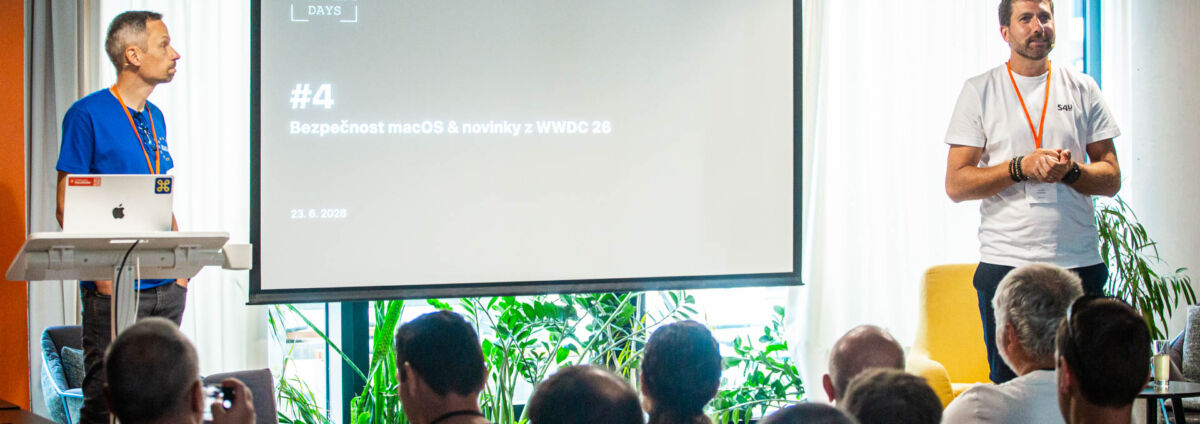
On June 23, 2026, we held another Apple Admin Day at WorkLounge Příkopy, this time with the subtitle WWDC Edition.
The morning was devoted to security. We discussed how attacks on Windows and macOS differ, how phishing has evolved, and why even a well-secured operating system isn’t enough on its own. In the afternoon, we moved on to device management, the new Apple Business platform, and the changes from WWDC26 that will impact administrators’ day-to-day work.
The entire program was hosted by Ondřej Kubeček, Sales Director at System4u.
Who Performed at the Event
The program brought together experts in security, device management, identity management, and the modern digital workplace:
- Jan Marek, a red teamer and forensic analyst at Cyber Rangers,
- Pavel Krčma, Head of the Network Operations Research Department at Jamf,
- Michal Pazderník, IT consultant and founder of Fruit IT,
- Ladislav Blažek, Technical Director at System4u,
- Martin Tvrdý, team leader at UEM System4u,
- Roman Přikryl, Team Lead for Identity & Security at System4u.
Jan Marek: Mac and Windows Don’t Attack Each Other in the Same Way
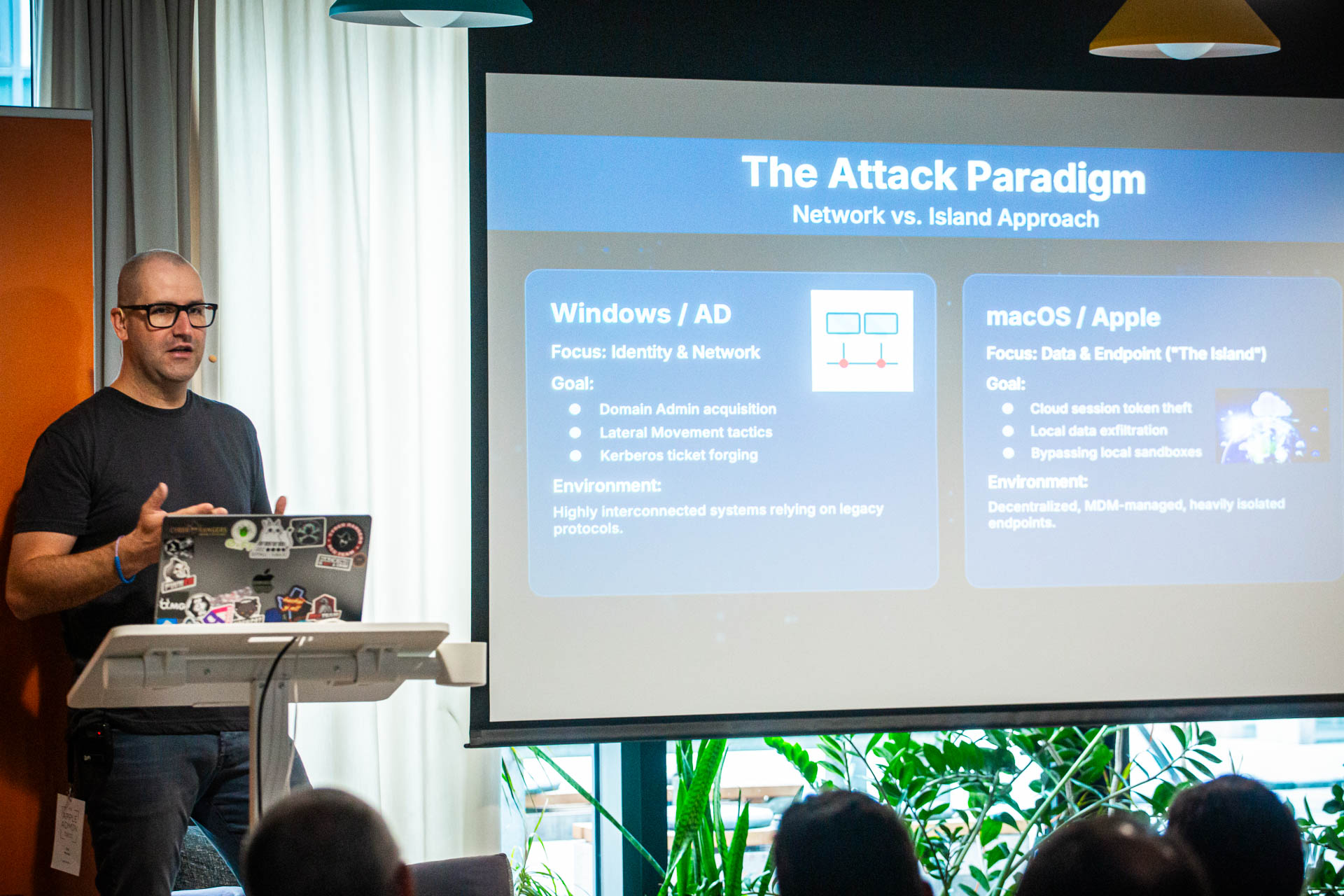
Jan Marek opened the morning session with a presentation on the differences between attacks on Windows and macOS.
He didn’t try to pick a clear winner. Instead, he showed why the question “which is safer” is, in itself, somewhat misleading.
Windows operates within a vast ecosystem of hardware, applications, and legacy enterprise systems. Backward compatibility is often essential for businesses, but it also creates opportunities for outdated practices, errors, and vulnerabilities.
Apple has an easier time of it because it controls both the hardware and the operating system. It can change platform rules more quickly and build security features directly into the devices.
Honza also mentioned a simple example from the field of physical security. With newer Macs, an attacker can no longer automatically count on finding a standard USB-A port. For certain types of attacks, they would need a compatible USB-C device or an adapter, which, while not ruling out an attack, can make it more difficult in practice. This clearly demonstrates that platform security isn’t just built into the operating system, but also into the design of the hardware itself.
That doesn’t mean, however, that a Mac is invulnerable. Attackers simply often choose a different approach. Instead of launching a direct attack on the system, they try to bypass security measures by targeting the user, the user’s account, or legitimate tools already present on the system.
Pavel Krčma: Phishing has changed more than many companies realize
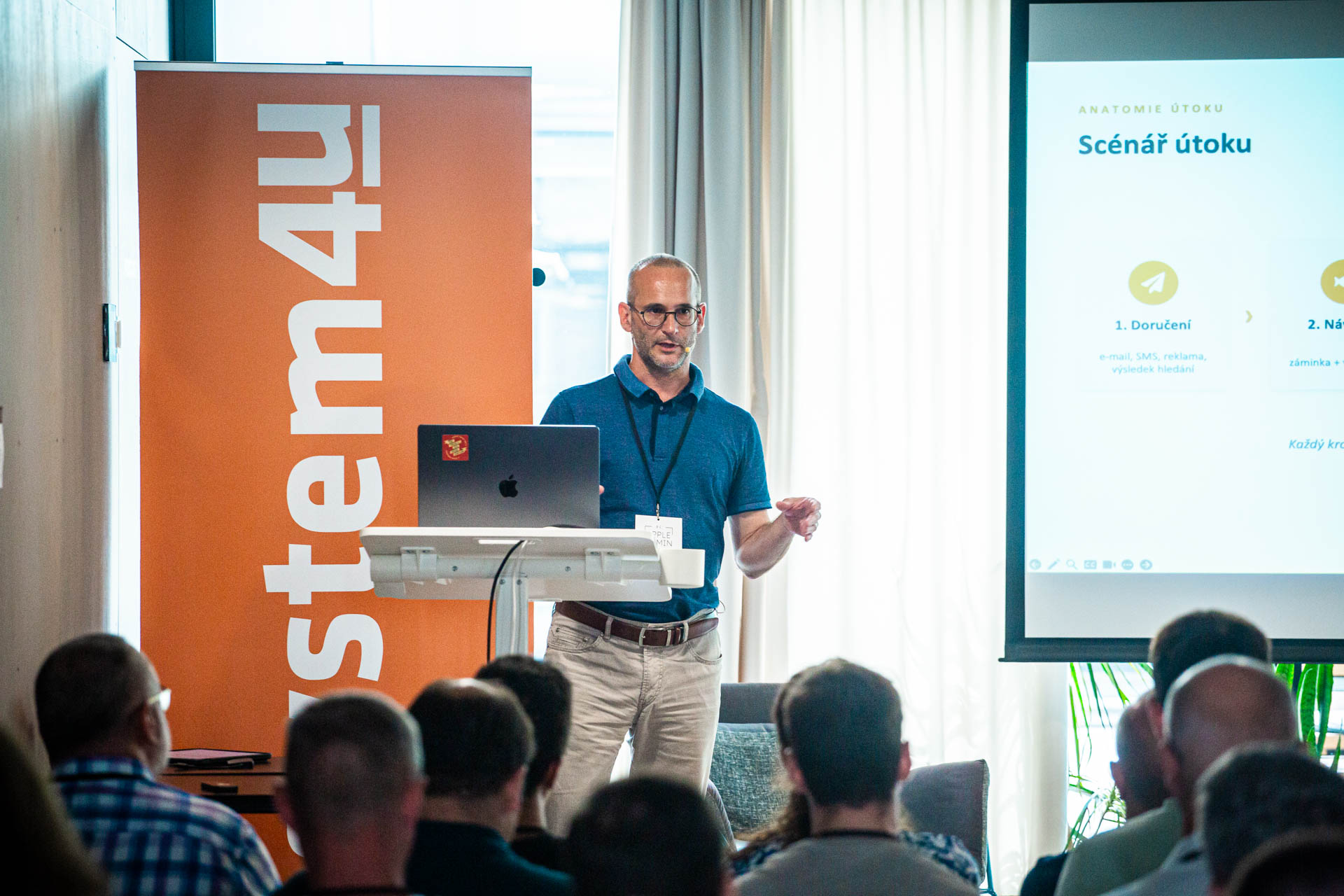
Pavel Krčma followed up on Honza’s presentation with a topic on phishing.
The old image of phishing as a poorly written email with a suspicious attachment no longer holds true. A malicious link can arrive via text message, an ad, or a search result. It may lead to a page that appears legitimate and opens only to selected users or only from a specific device.
During his presentation, Pavel showed several real-world phishing campaigns, including fraudulent landing pages that closely resembled legitimate services. These examples clearly demonstrated just how little it takes for a user today to mistake a fake page for a trustworthy one.
Furthermore, attackers don’t have to build everything from scratch. There are ready-made tools, templates, and infrastructure available for purchase as a service. This means that even someone without in-depth technical knowledge can put together a convincing campaign.
The presentation also covered attacks such as ClickFix. The user sees an error and is given instructions on how to fix it. In reality, by following the instructions, the user runs a command or script that opens the door to an attacker.
The action itself often doesn’t seem dangerous. The problem only becomes apparent when user behavior, running processes, and network communication all come together.
That is precisely why it is no longer enough to simply monitor files. Security tools must understand what is happening on a device in context.
Discussion: “Secure by default” does not mean “no further work required”

Both lectures were followed by a discussion featuring Jan Marek, Pavel Krčma, and Ladislav Blažek.
One of the main topics was the claim that Macs are secure right out of the box.
By default, macOS includes a number of security mechanisms that provide a very solid foundation. In a corporate environment, however, that foundation isn’t enough.
A company needs to know which devices are accessing its data, who is using them, and what their status is. It must maintain control over updates, identities, permissions, applications, and incident response procedures.
The discussion also included practical advice for companies that are unsure whether investing in security will pay off. They should calculate how much a single day of downtime would cost them. This figure includes not only lost revenue, but also employee wages, unused licenses, idle machinery, production interruptions, and the costs of restoring operations.
Once a company knows the cost of a single day of downtime, it can compare security costs to a specific business risk. Security then ceases to be an abstract technical expense.
Without centralized management, it is impossible to ensure in the long term that devices will remain in the required condition. Without identity protection, the company has no way of knowing whether the right person is logging in. And without monitoring, an attack may go unnoticed, even if the device is formally managed.
The discussion showed that security is not a single feature or a single product. It works only when devices, identity, the network, and the ability to see and respond are all connected.
Michal Pazderník: Apple Business Is Also Targeting Smaller Companies

Michal Pazderník kicked off the afternoon program with a detailed presentation of the new Apple Business platform.
Apple Business brings together device, user, account, and app management into a single environment. Companies can set up a Mac, iPhone, or iPad before an employee turns it on for the first time, distribute apps, and manage Managed Apple Accounts.
The platform may be most valuable to smaller organizations that have not yet had their own MDM solution or a dedicated IT team.
However, for more complex environments, specialized MDM and UEM platforms still make sense. They offer deeper automation, more security options, and better integration with other systems within the company.
Apple Business is therefore not a replacement for all existing tools. Rather, it expands the number of companies that can begin to manage Apple devices systematically.
What WWDC26 Brought to Apple Device Administrators
The day wrapped up with news from WWDC26.
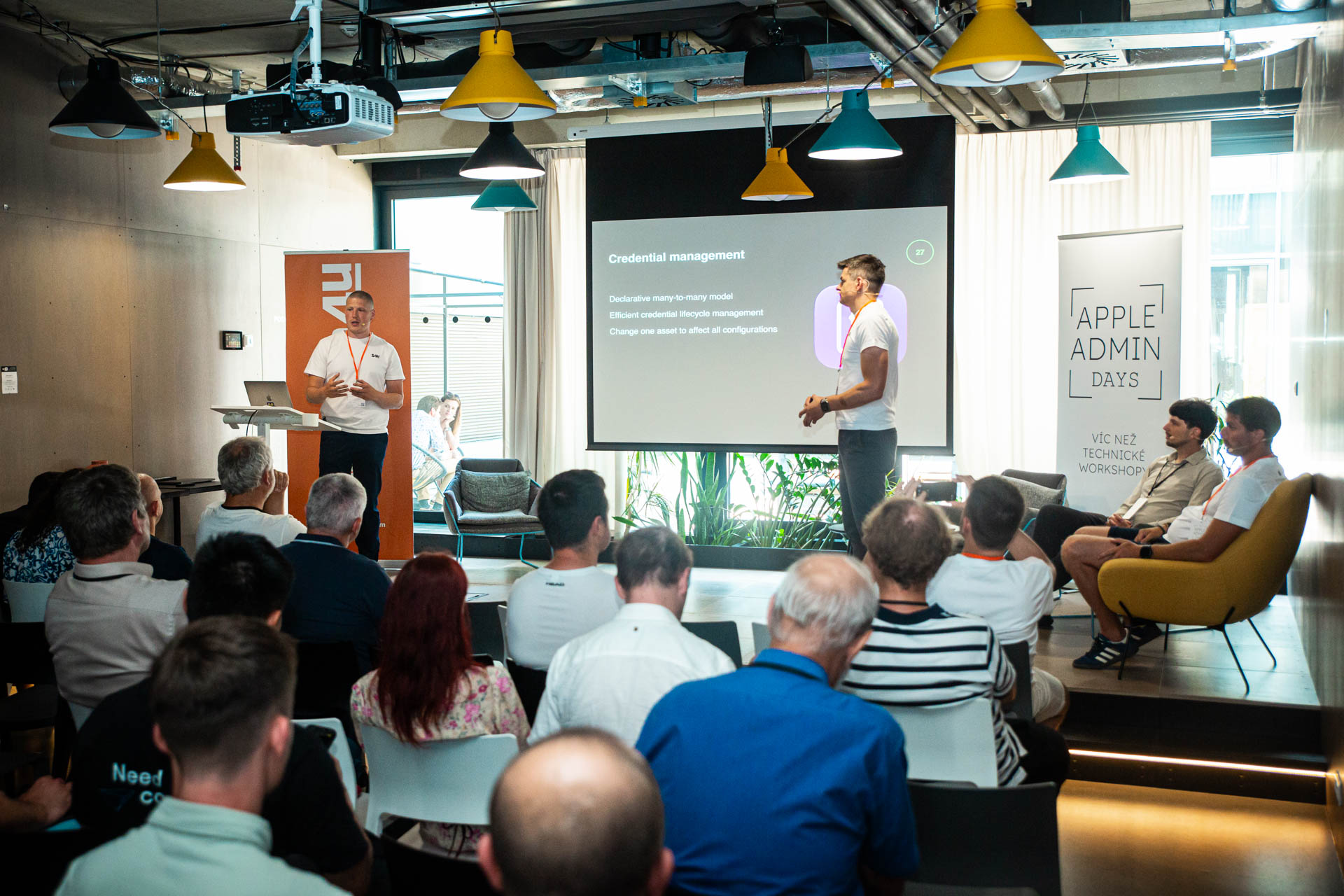
Much of it revolved around Declarative Device Management, or DDM for short. With DDM, Apple is continuing its transition from traditional command-based management to a model in which the device knows the desired state and determines on its own when to apply changes.
For administrators, this means faster device responses and more accurate information about whether the settings are actually in effect.
There was also discussion of a guided transition to the new Mac, a better overview of hardware and configuration, enhanced application management, and further development of the SSO Platform.
The SSO platform further integrates Mac sign-in with corporate identity. This allows companies to unify authentication and better control the conditions under which users can access devices or applications.
From a practical standpoint, new remote diagnostics capabilities can also be helpful. The IT team will have more information to work with when troubleshooting issues, without having to guide users through complicated steps over the phone.
What to Take Away from #4 Apple Admin Day
The morning and afternoon programs were more closely related than might appear at first glance.
The morning session demonstrated how attackers look for the weakest link between the device, the user, and the identity. The afternoon session, on the other hand, showed how Apple is expanding the options available to companies to better manage these vulnerabilities.
Mac provides a strong security foundation. However, without management, updates, identity protection, and the ability to respond to incidents, it remains just a foundation.
This applies regardless of the size of the company.


